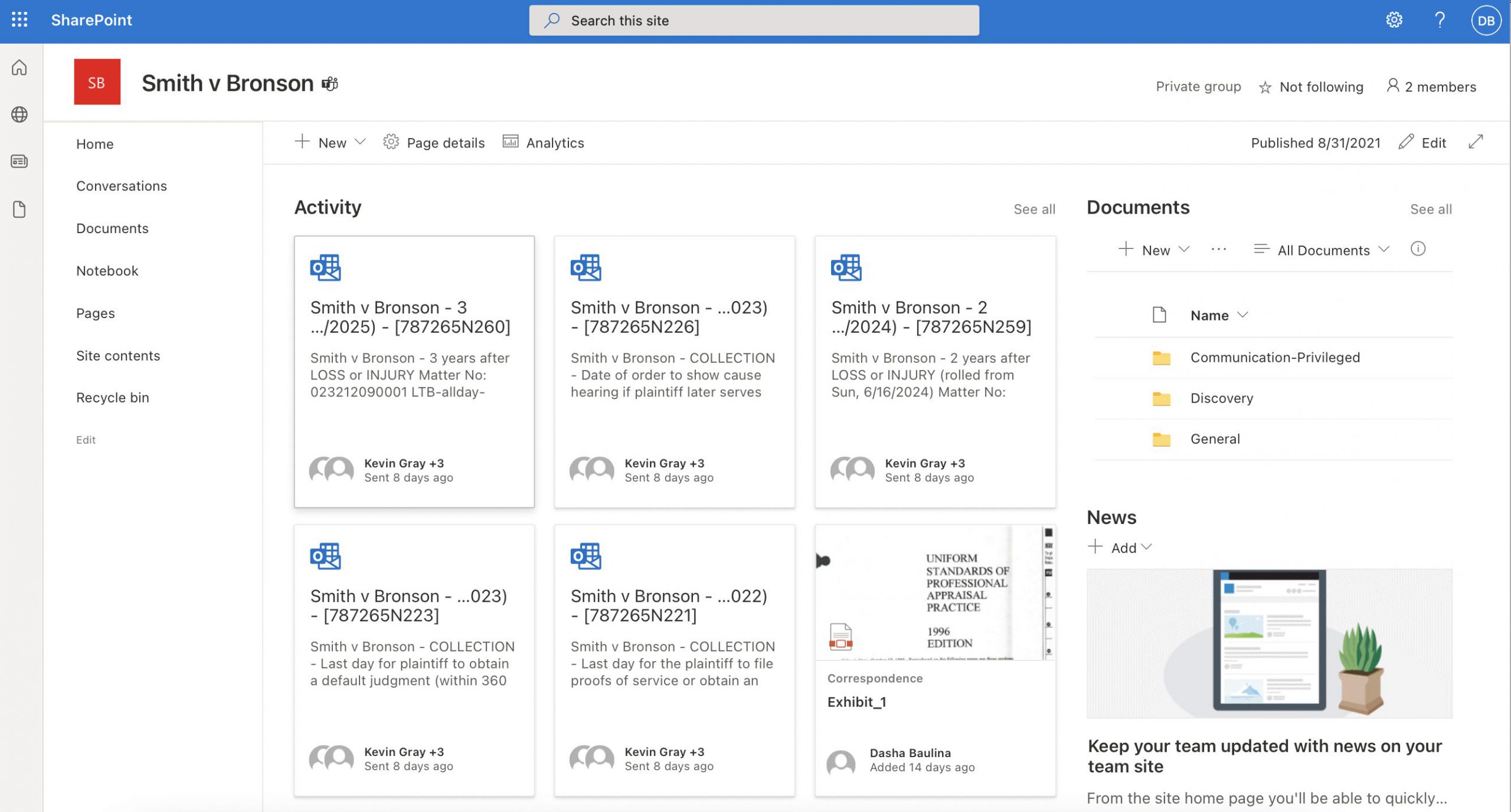
Use shared workspaces to boost your productivity. Automatically create a shared inbox, document folder structure, calendar, and notebook for each matter in Microsoft 365.
Add a deadline calculator and legal calendaring to leading Document Management Systems
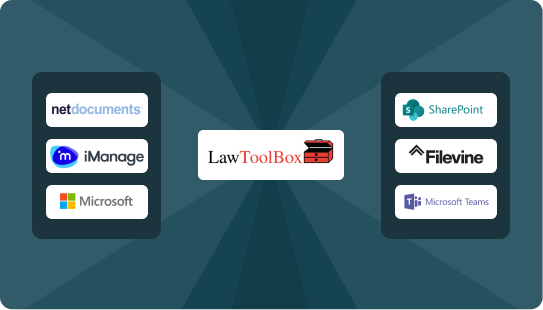
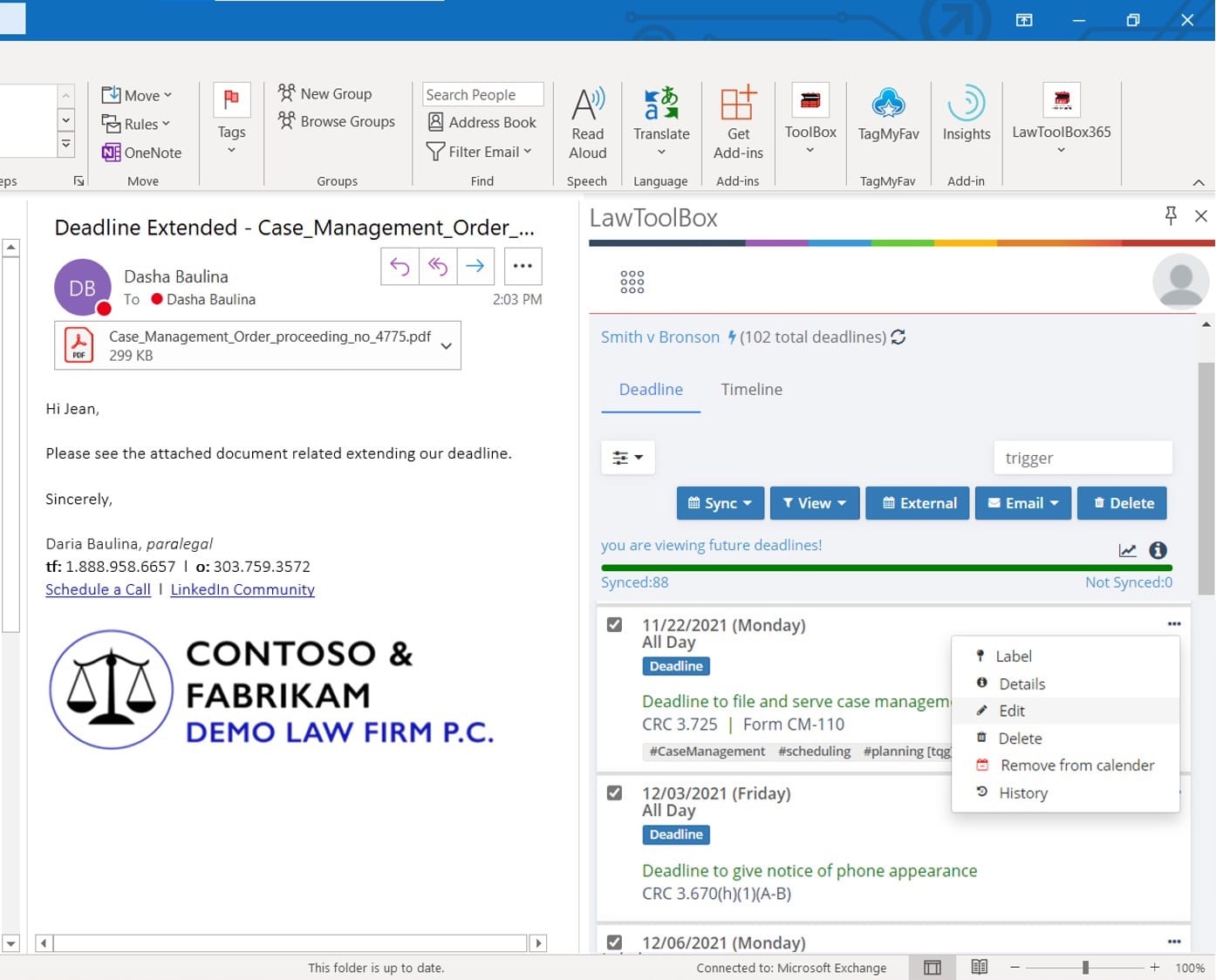
Amplify your existing DMS with an automated legal calendaring integration. Get rules-based deadlines synced to your calendar instantly and manage files across your DMS, inbox, and calendar with NetDocs, iManage, and others.
Store, access, and share documents securely from anywhere
Get work done from anywhere with simple administration and an easy-to-use interface built directly in Microsoft Teams, SharePoint, and Outlook. Easily access everything from the cloud or your desktop.
Organize all of your emails, files, notes, and deadlines by matter across M365 apps. Work entirely inside Microsoft 365 on a secure enterprise-grade platform.