First Legal App for Copilot
Inspired by the advent of the age of AI, LawToolBox dove in and was the
first legal application approved by Microsoft as “Works with Copilot” for
Microsoft Teams on December 11, 2023.
“LawToolBox Copilot for the legal industry will help a legal professional complete their tasks faster, hold more effective meetings, focus better, and collaborate more efficiently on legal deadlines and documents”
Jack Grow
CEO of
Features
Manage Cases and Clients in Microsoft Teams and Outlook
Instant rules-based deadlines
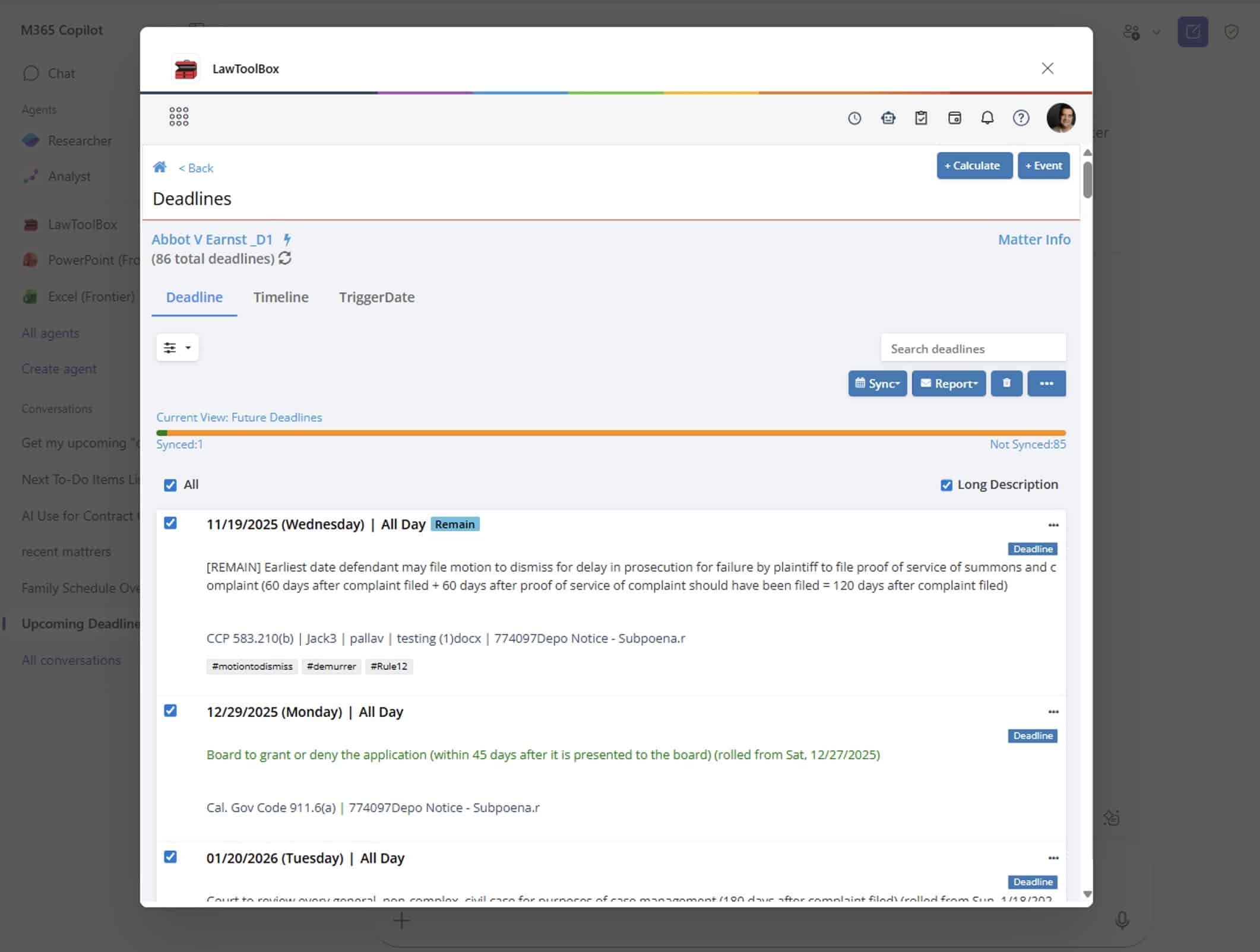
Instantly calculate & calendar rules-based deadlines in Outlook or any case management platform.
Smart scheduling
Save hours managing deadlines with a centralized deadline management solution that automates rules-based calendaring for 50 states.
Matter management
Efficiently manage matter-based deadlines, email, calendar, docs, and notes directly in Outlook.
Document management
Access easier document management and secure collaboration with a lean DMS directly in Outlook.
Virtual meetings
Boost productivity with an “easy button” for virtual court, hearings, and depositions in Microsoft Teams.
Easy automations
Complete daily tasks in seconds with our powerful, intuitive add-in for Outlook.
Discover the power of Microsoft 365 for legal professionals.
Enhance the apps you use everyday.
6 LawToolBox Prompts at your Fingertips
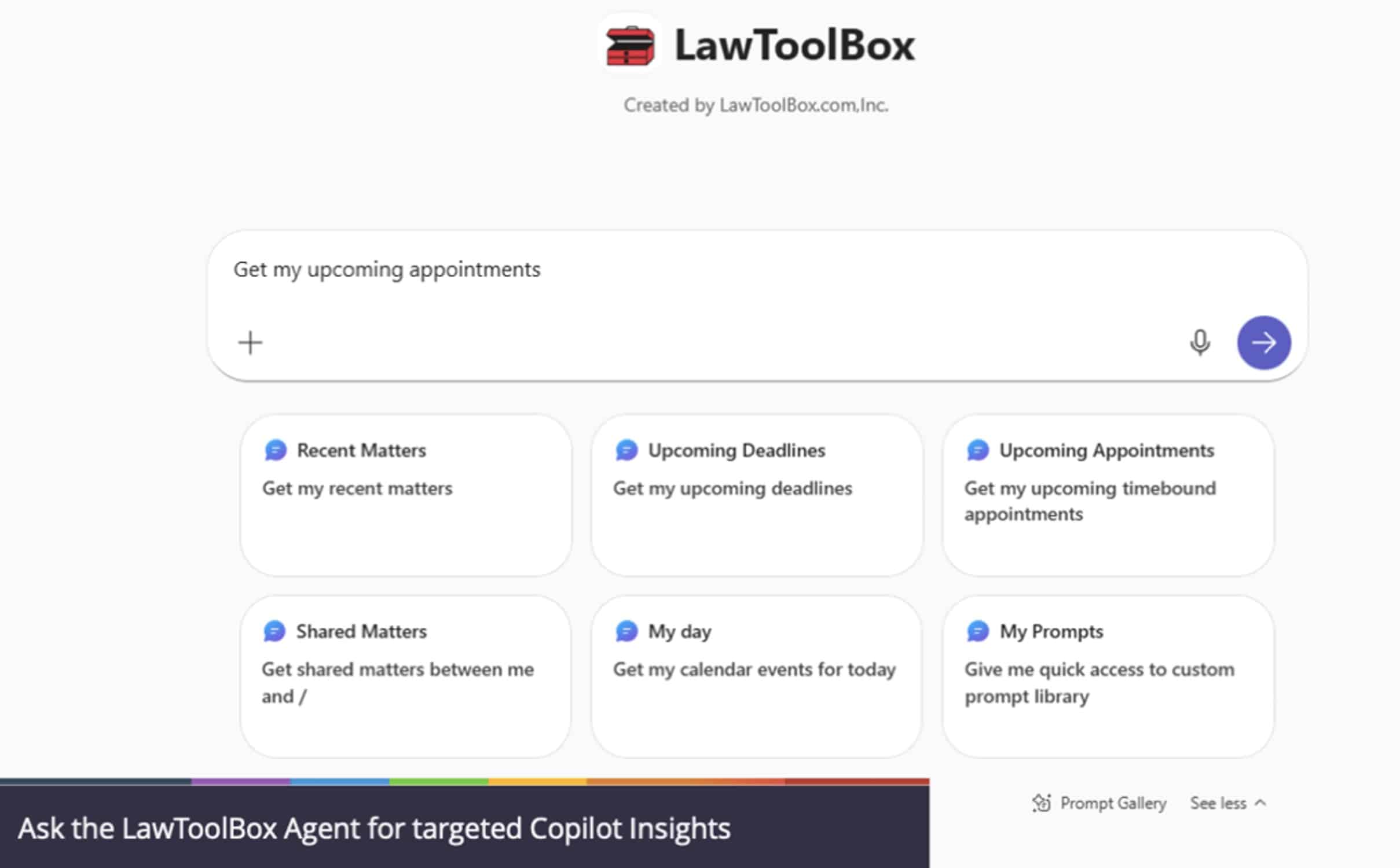
Continuing it mission to be on the leading edge of modern apps, LawToolBox has a Universal App which surfaces 6 prompts for quick access to your legal deadlines and data!
Upcoming Deadlines and Appointments?
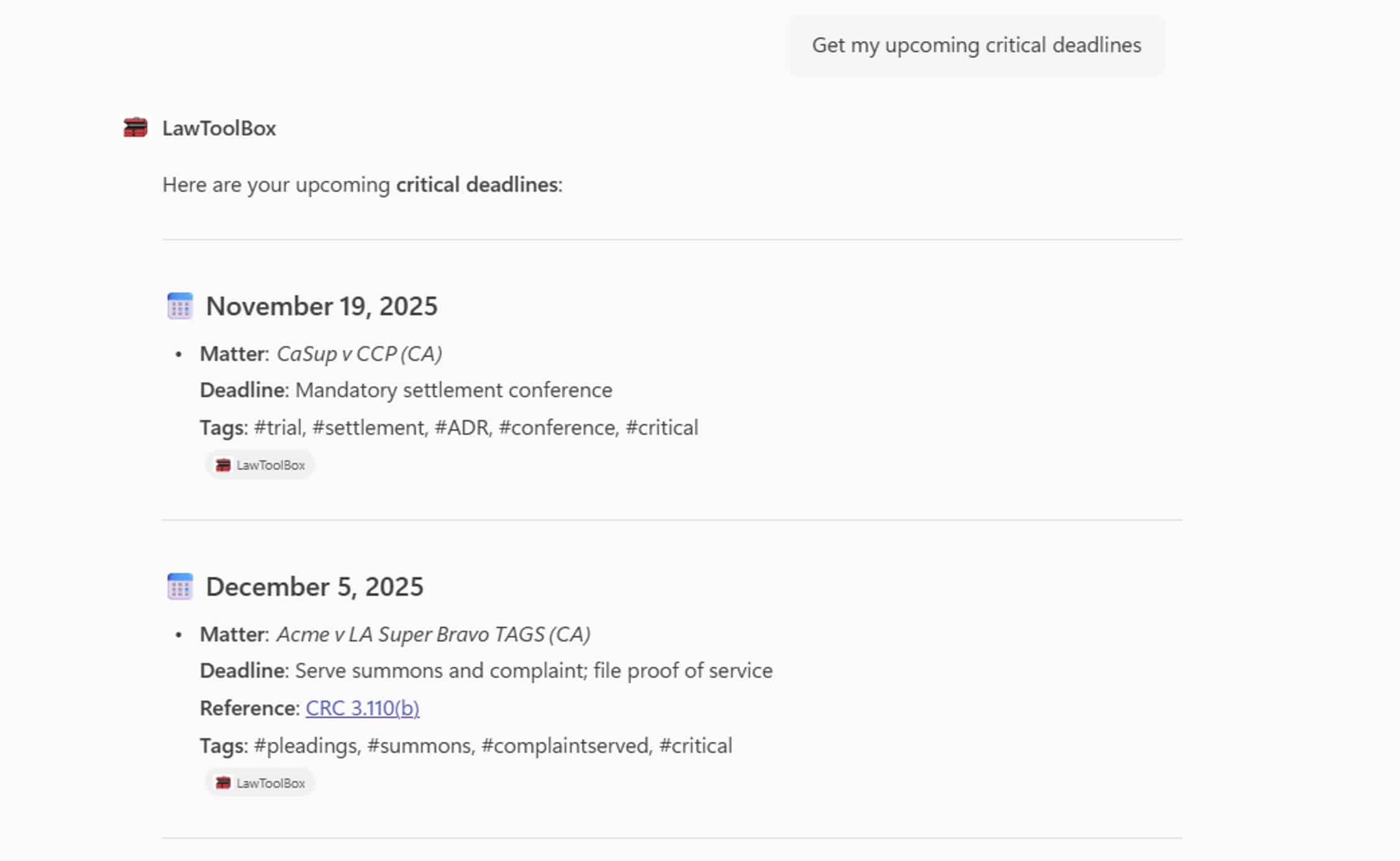
When you ask Copilot WITHOUT the LawToolBox agent to upcoming deadlines, you get birthdays and doctors appointments mixed in with real work events. Activate the LawToolBox agent and you get focused and real AI driven responses that ONLY give you work deadlines or appointments. Even cooler, ask for “critical” or “discovery” deadlines and LawToolBox for Copilot gives you filtered reports!
Status of my matter?
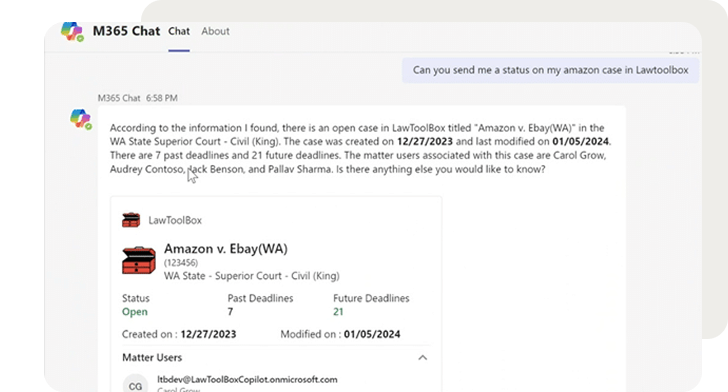
Because LawToolBox creates the SharePoint and Microsoft Teams sites, and creates Team calendar and Outlook entries, LawToolBox with Copilot can pick up a lot of extra information with LawToolBox generated matters.
Custom Prompt Libraries
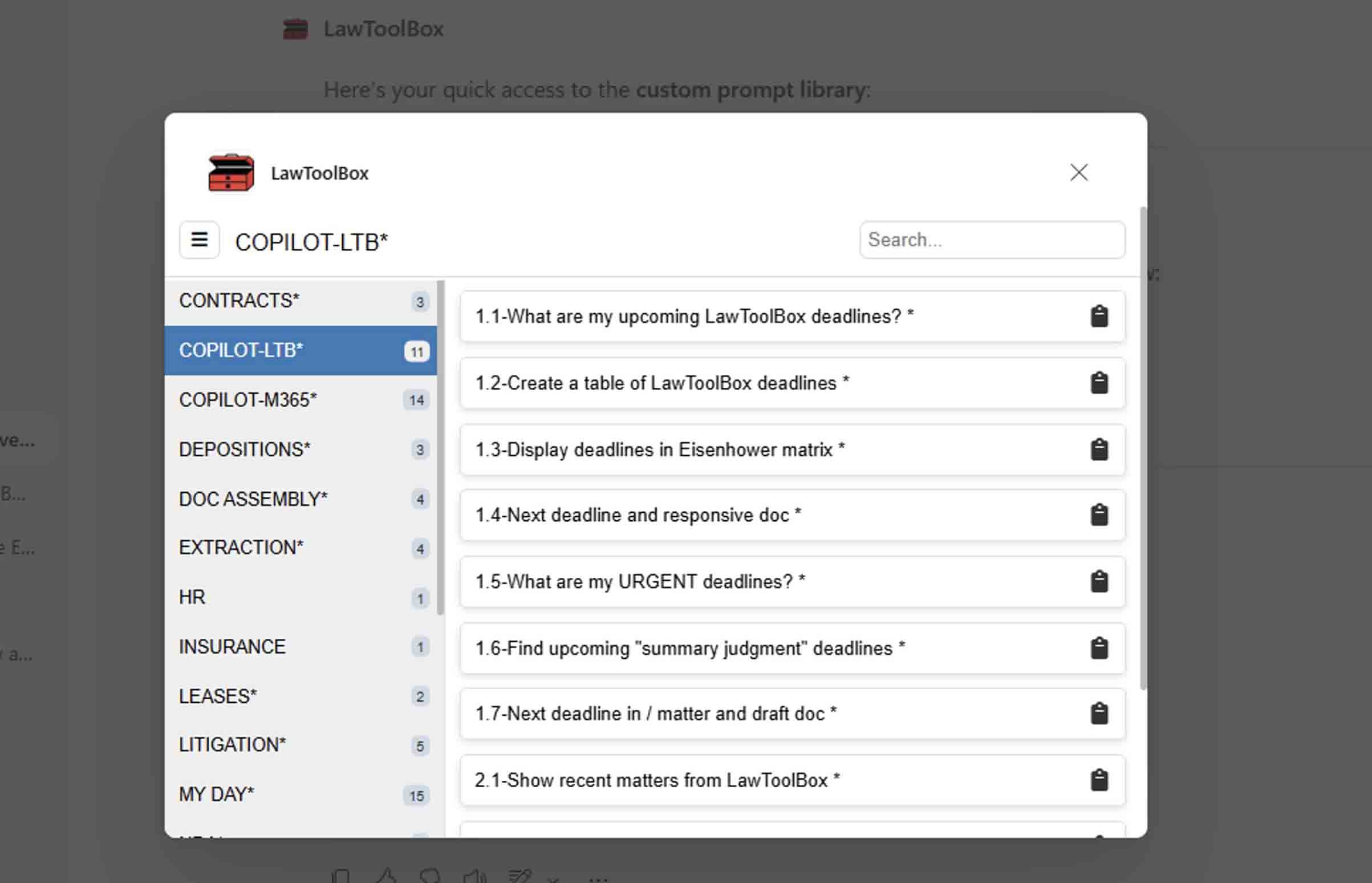
LawToolBox provides a prompt library out-of-the-box, and gives legal organizations robust tools to create and surface their own custom prompts in Copilot!
Build your prompt writing skills and share your expertise with your team members!
Work in LawToolBox from Copilot
Ask Copilot about deadlines and matters, then when you want to dive in and manage deadlines you can jump into LawToolBox, do your work, then jump back to Copilot!
Users get the best from Copilot and LawToolBox without having to jump back and forth between different solutions
Anchoring Microsoft 365 Matters in Your Legal Data
LawToolBox transforms Microsoft into a suite for legal professionals and seamlessly provisions every legal matter with its own Microsoft Groups, Group Calendar, Outlook Sync, M365 Teams (optional), SharePoint DMS, Planner (optional), OneNote (optional), and Word. This deep integration creates AI-ready containers to anchor your legal data for M365 Copilot.

Planning for the next 20 years
Layering the award-winning LawToolBox app on top of the revolutionary Microsoft Copilot will position legal organizations to thrive for the foreseeable future and beyond!
Connect your document management system (DMS) to LawToolBox deadlines or use our DMS with secure collaboration directly in Outlook. Store, access, and share documents anywhere on a secure enterprise-grade platform entirely inside Microsoft 365.
Hector Marrache
Attorney, Marrache Law
Award-winning docketing from the leading ruleset provider
Award-winning modern app
LawToolBox is a best-in-class legal solution. Our award-winning tools have earned industry recognition as the legal add-in for Microsoft 365.
— Linda P.,
Paralegal
— Diane S.,
Paralegal
— Jill Weberg,
Paralegal
Matter Management
Set up a Microsoft 365 matter in seconds
Legal Templates
Deploy pre-built Microsoft Teams templates for legal professionals
Collaboration
Configure a Microsoft Team with custom channels and tabs
Deadline Calculator
Choose rule-set & enter a trigger date to calculate deadlines
Never miss a deadline