Transform Microsoft Teams for Legal

Automate administrative tasks and boost productivity with
legal tools and templates in Teams.

Microsoft 365 for legal professionals

Enhance the apps you use everyday.

Features

Manage your cases, clients, contacts, deadlines, files, emails, and notes in Microsoft 365.

Deadlines

Calculate rules-based deadlines in seconds

Calendars

Instantly sync deadlines and update when rules change

Documents

Connect your DMS or use Microsoft 365 as a DMS

Matters

Manage cases and clients in Microsoft Teams

Discover the power of Microsoft 365 for legal professionals.

Enhance the apps you use everyday.

Save time with
Teams templates

In one-click, pre-configure Teams with all the apps you use to manage matters. 

Connect your document management system (DMS) to LawToolBox deadlines or use our DMS with secure collaboration directly in Outlook. Store, access, and share documents anywhere on a secure enterprise-grade platform entirely inside Microsoft 365.

Hector Marrache

Attorney, Marrache Law

Configure and Customize M365 Team for Each Practice Group

Microsoft Teams centralize all the tools legal professionals need to manage matters within a single Team. Users can launch pre-configured Microsoft Teams templates that allow organizations to customize and deploy “practice specific” channels and tabs —streamlining collaboration and compliance.

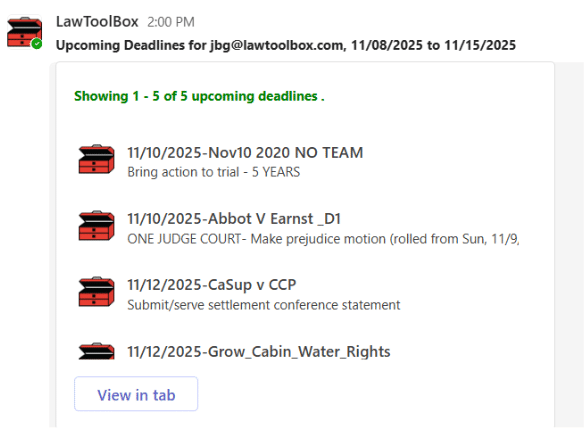
Automatically Send Weekly Reports of Upcoming Deadlines to Users M365 Team

Users activate a feature where every weekend LawToolBox pushes a custom report of upcoming deadlines for the next week to each users M365 Team, and auto sends an email reminder with the same report!  This is just one more redundant approach to make sure legal professionals manage legal risk and don’t miss critical deadlines.

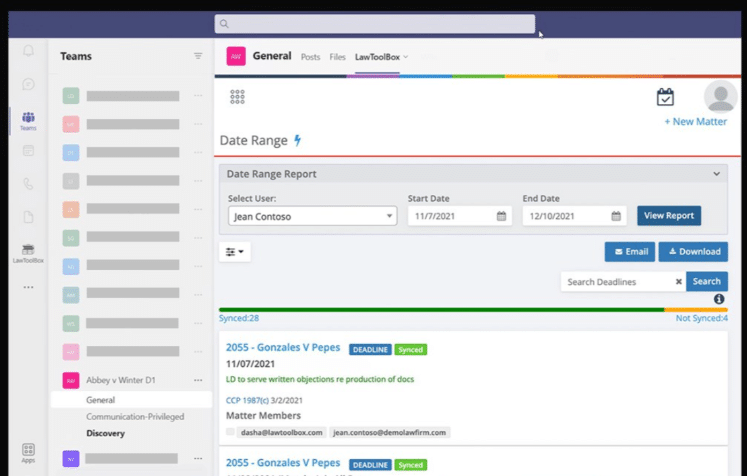
Inside Teams access reports by firm, practice group, users, or matter

With one-click users can access important reports filtered by firm, practice group, individual users, or matters.  Users can also access report on which users are working on which matter, upcoming deadlines impacted by rule-changes, and more!

Manage Deadlines from Any Browser, Outlook, Teams or any Mobile Device

Use LawToolBox to manage deadlines from wherever you work, whether you are using your browser, checking emails in Outlook, collaborating with team members in Microsoft Teams, using M365 Copilot, or working within any one of the many partner solutions we are integrated with.

Reduce the “toggle tax” and wasted time spent jumping between disconnected products …

Copilot for Legal

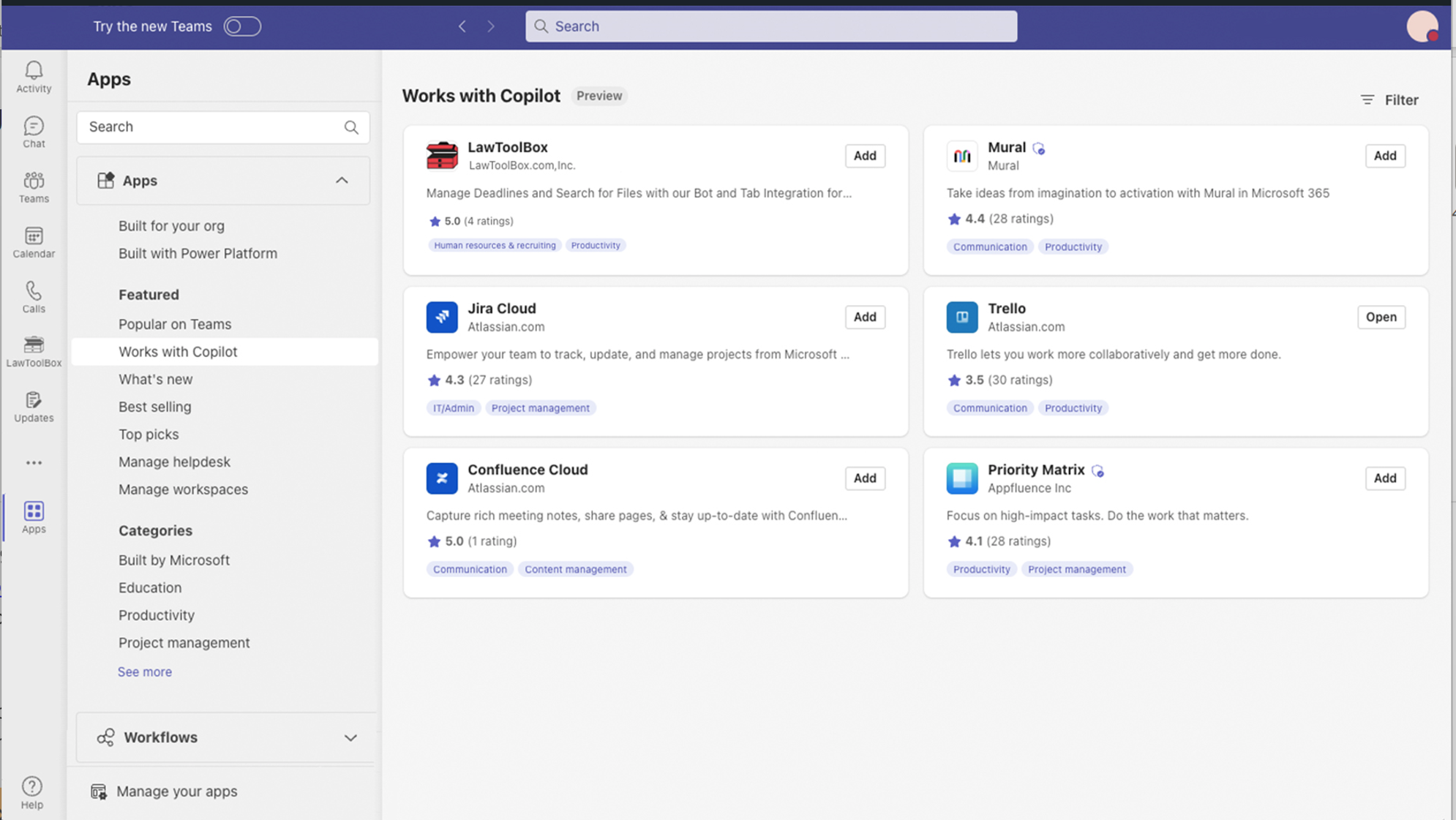
Your legal data is automatically organized into containers that anchor your legal data and make it AI-ready for M365 Copilot and AI.  Access LawToolBox matter and deadline information from Copilot, or jump directly into LawToolBox app to manage your matters without leaving Copilot!


Award-winning docketing from the leading ruleset provider

Award-winning modern app

LawToolBox is a best-in-class legal solution. Our award-winning tools have earned industry recognition as the legal add-in for Microsoft 365.

Manage your cases, clients, contacts, deadlines, files, emails, and notes in Microsoft 365.

Deadlines

Calculate rules-based deadlines in seconds

Calendars

Instantly sync deadlines and update when rules change

Documents

Connect your DMS or use Microsoft 365 as a DMS

Matters

Manage cases and clients in Microsoft Teams

Deadlines don’t wait. Neither should you.

Take the first steps in your transformation